

Dashboards
Build dashboards with dozens of widgets to track your trading your way.
A single widget engine powers every dashboard in Trader Leap: the built-in Home and as many others as you want to create.
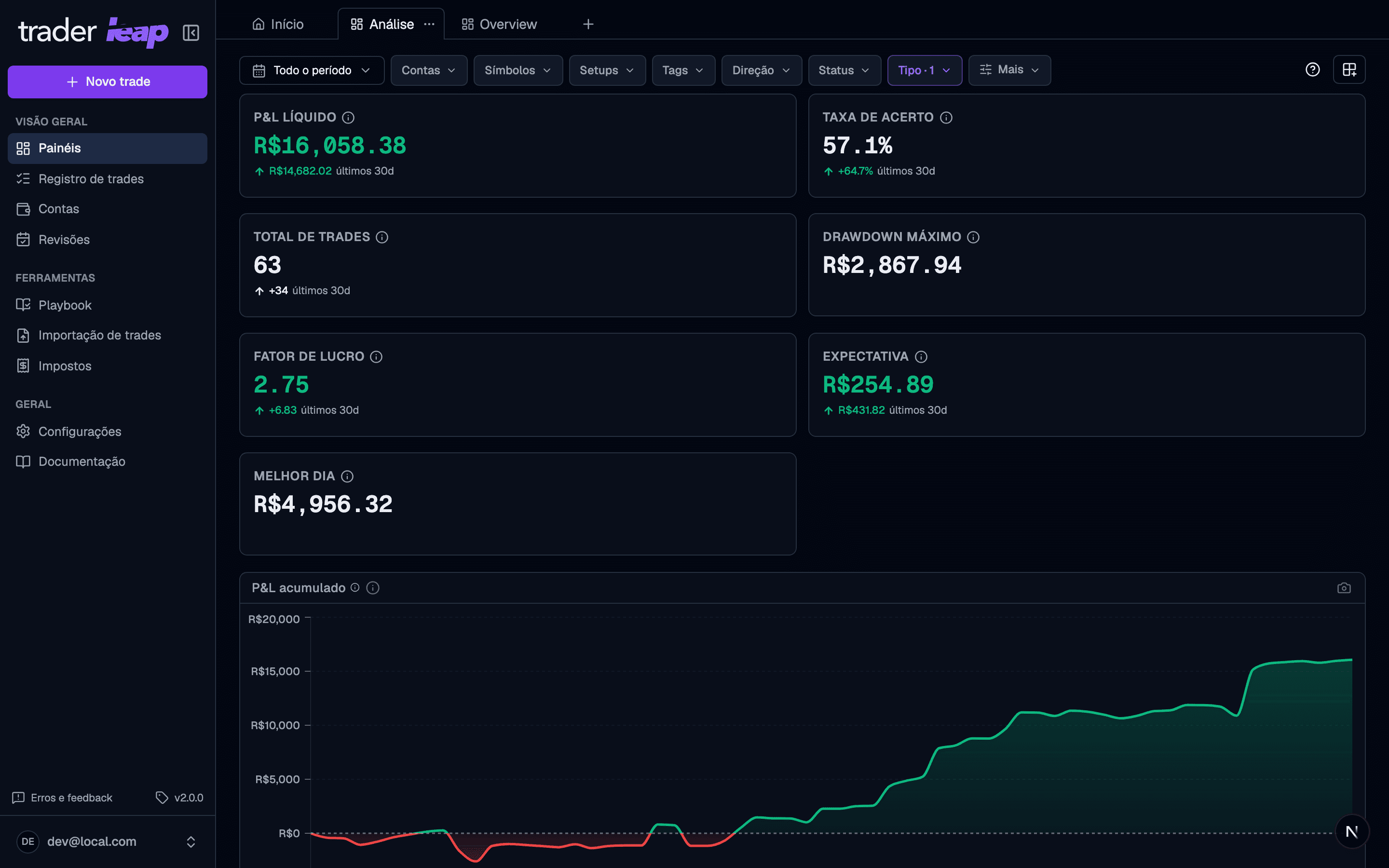
The Home dashboard
Home is the first dashboard you see when you sign in, and the one that reads your day for you: the key numbers up top, the equity curve, the day's calendar, what still needs attention (the trades waiting for review, the Debrief once your cutoff passes) and the Evidence Coach with what your record says today. Home is always there and cannot be deleted, but it is yours to edit like any other dashboard, and Restore default brings back the original layout for your plan.
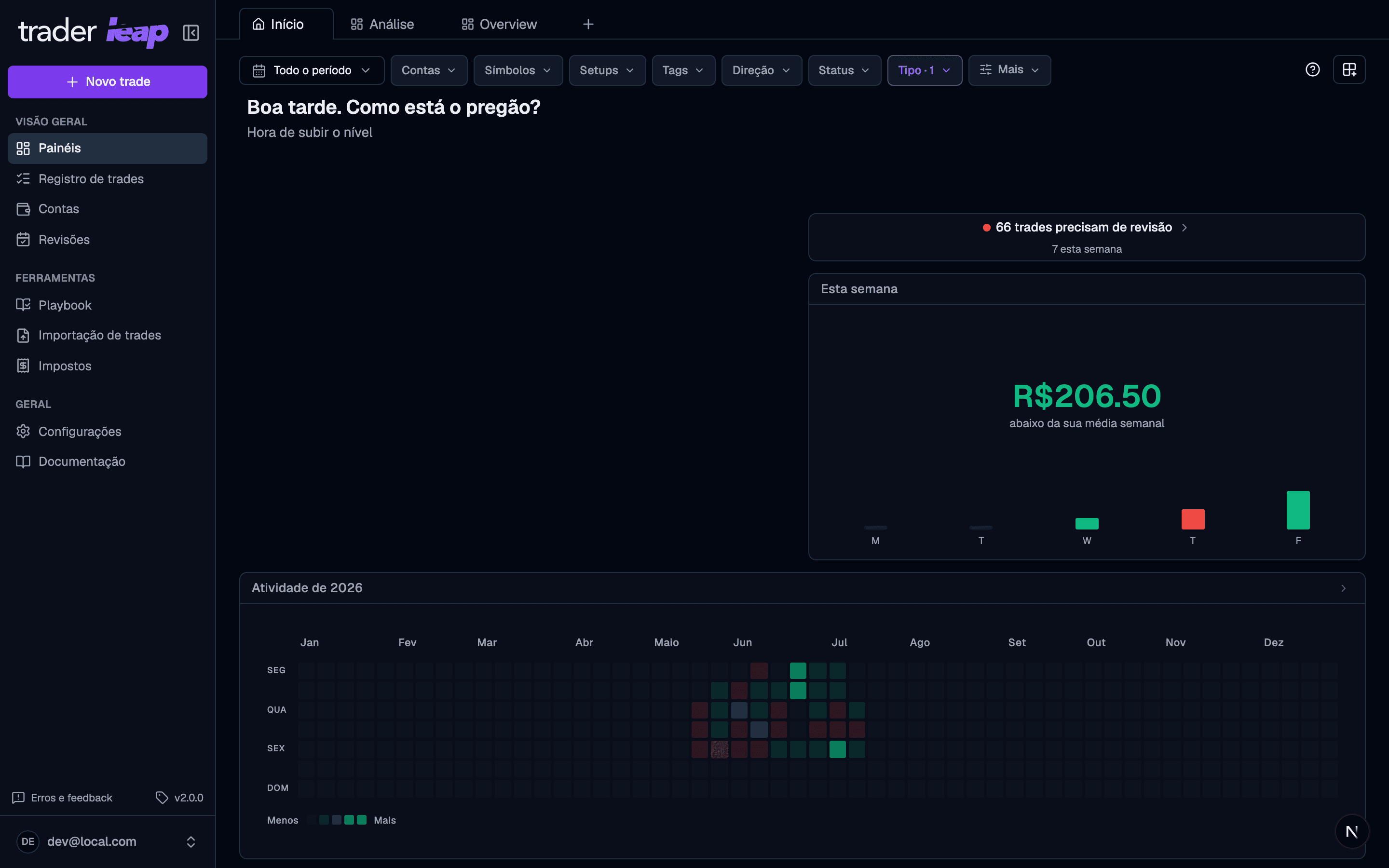
Create and customize
- When creating a dashboard, pick a starting preset (The long view, What is working, Risk & drawdown, Timing, Day trader, Swing trade, Prop firm) or start from blank.
- Each dashboard keeps its own layout and its own filters. Nothing is shared between dashboards.
- The catalog has more than 60 widgets across metrics, charts, and lists. Pick them in the selector, organized by category and with a live preview.
- On desktop, drag and resize widgets to shape the layout your way.
- Made a mess of the dashboard? Restore default rebuilds it from the original preset.
A "?" icon on the dashboard opens a quick tour explaining the filters and the content area. It never pops up on its own — click it whenever you want a refresher.
Widgets outside your plan
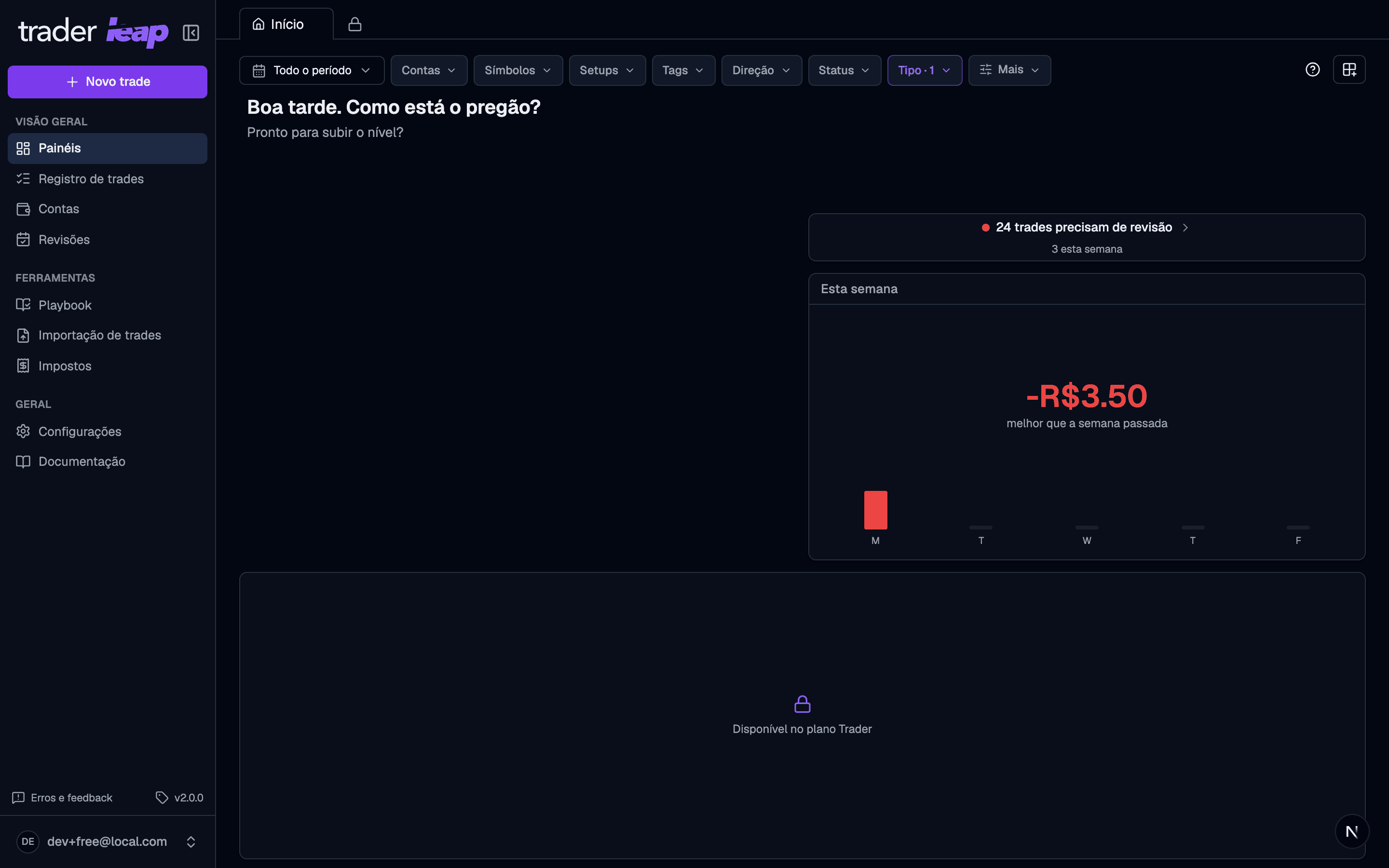
Widgets above your plan show a lock in the selector. Clicking them takes you straight to billing, without adding anything to the dashboard.
Plan limits
- Free: Home only, no custom dashboards.
- Trader: 2 custom dashboards besides Home.
- Premium: unlimited dashboards.
When you hit the limit, the create-dashboard button turns into a lock.
Start from the preset closest to your trading style. Adjusting a ready-made dashboard is faster than building one from scratch.