

Security and account
Manage your password, email, active sessions, and account deletion.
Settings > Account gathers everything about your Trader Leap account's access and data.
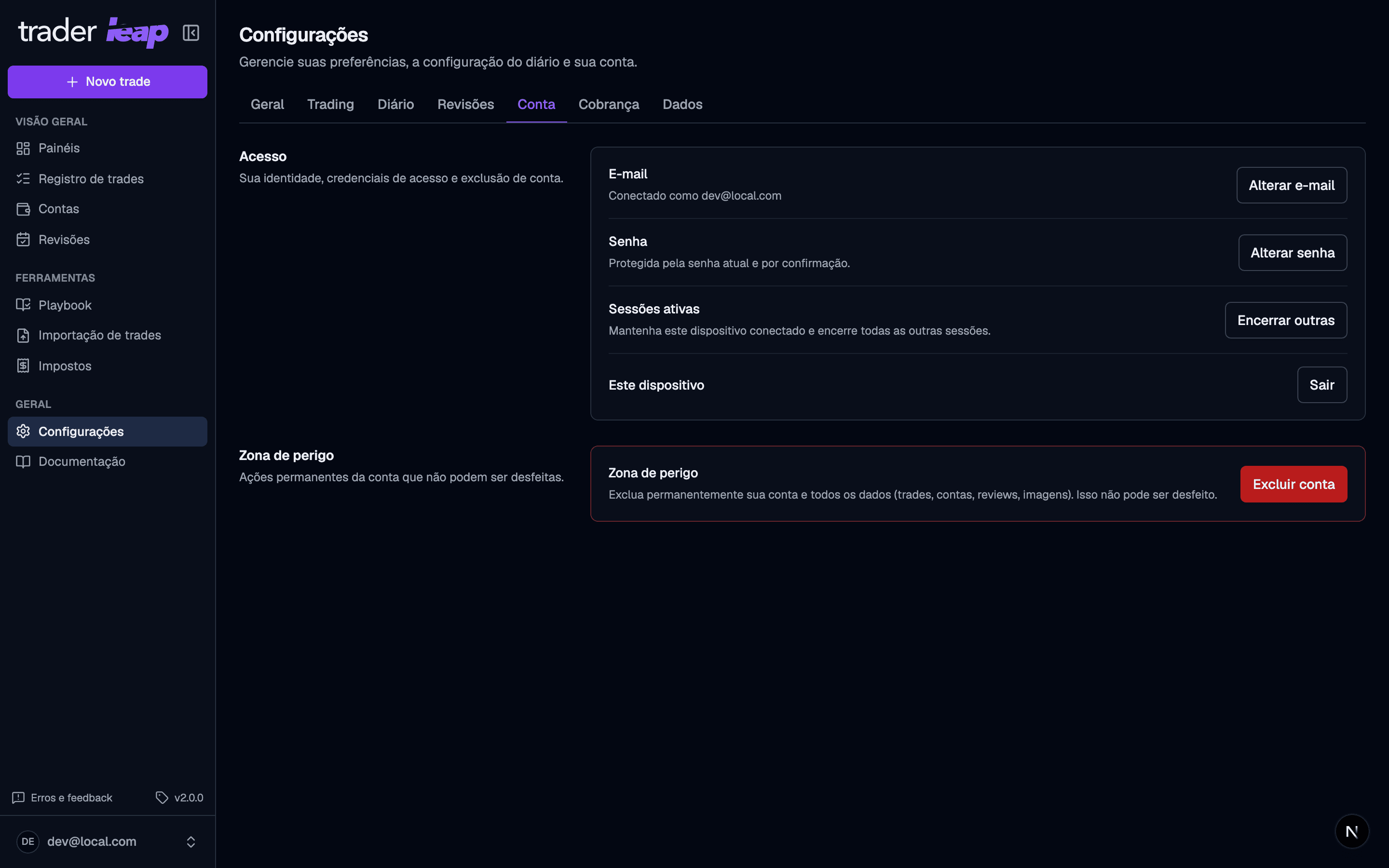
Password and email
- Change password asks for your current password before setting the new one.
- Change email sends a confirmation link to the current address and another to the new one. The change only takes effect after both are confirmed.
If you signed in with Google, these fields don't appear: your password and email are managed by your Google account, not by Trader Leap.
Active sessions
End other sessions signs out every other device and browser at once, keeping only this one active.
Deleting your account
Deletion is permanent. Type your email to confirm and, if your account has a password, enter it too.
Once you confirm, Trader Leap cancels your Stripe subscription before erasing the account and all its data: trades, accounts, reviews, and images.
There's no way back after confirming, so review before you click.