

Getting started
Create your account, set up the essentials, and log your first trade.
You can be logging trades in Trader Leap within minutes.
1. Create your account
Create your free account, no card required. The Free plan is free forever and already includes the essentials to log and understand your trades.
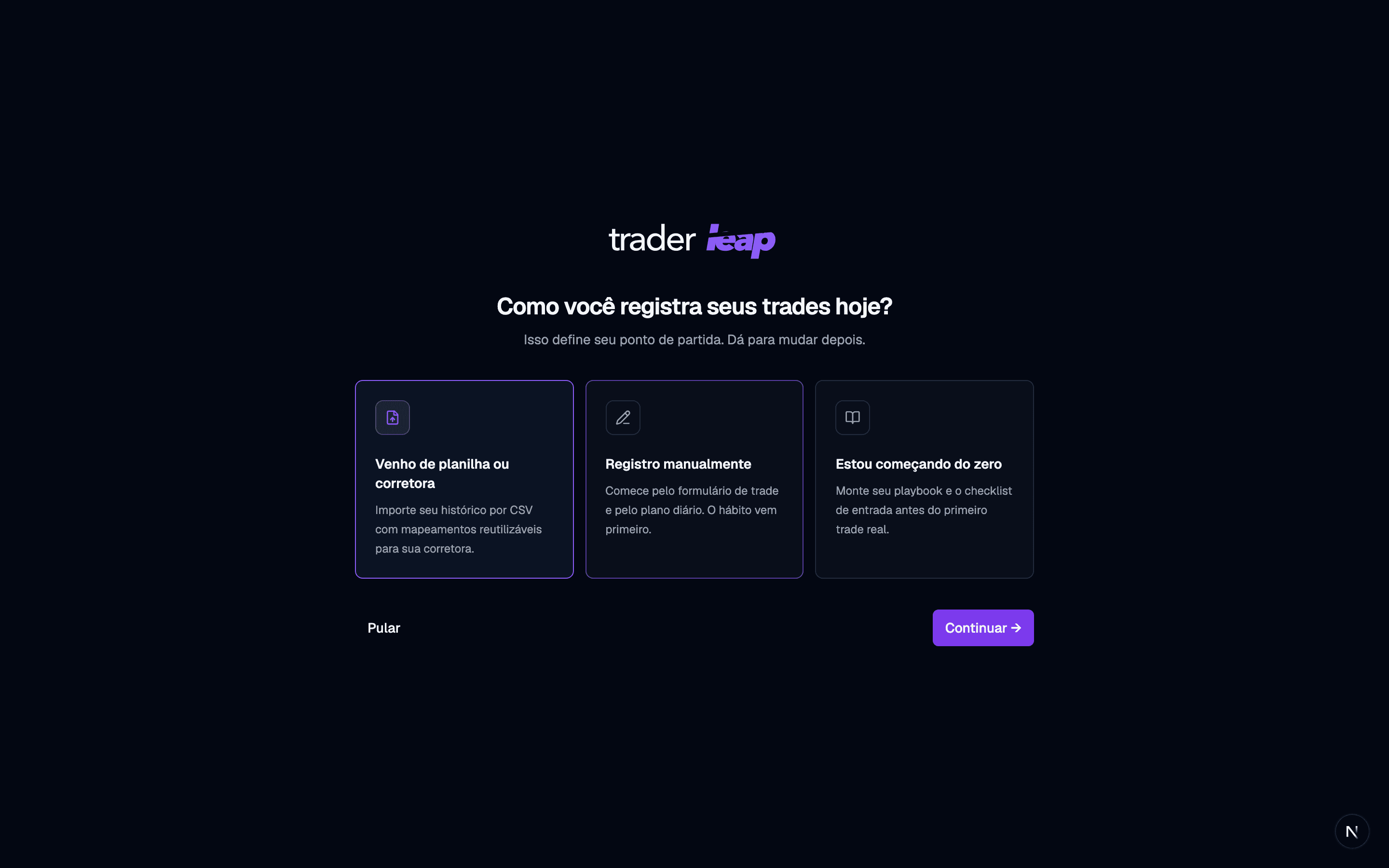
On your first visit, pick a starting point: import your history, log trades by hand, or build your playbook before the first real trade. You can change your mind later; this screen stays available in Settings > General > Resources.
2. Set up the essentials
Before you start, set two things in your preferences:
- Base currency: the currency your results are consolidated in.
- Trading-day cutoff: when your "trading day" starts and ends. This is what keeps scalps, day trades, and swings organized in your timezone.
3. Log or import your first trade
You can log a trade by hand or import a file from your broker. Both paths lead to the same place: your complete journal. Import enough history (twenty trades is the floor) and the Evidence Coach reads it on the spot: your first finding, with the trades behind it, before you've journaled a single day.
4. Follow along from the home screen
The home screen shows what needs attention: trades to review, goals, the period's metrics, and what the coach found in your record. It's your starting point every day.
That's it. From here, explore Analytics and Reviews: that's where logging turns into growth.